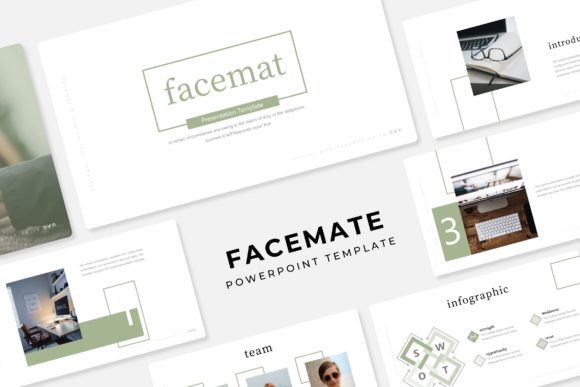
Facemate Power Point Template: A Versatile Design Tool
The Facemate Power Point Template is a comprehensive, user-friendly design solution that caters to a wide range of users, from beginners to professionals. This template offers 150 total slides, divided into 5 premade color variations, each with 30 unique slides. It's perfect for anyone looking to create visually appealing and professional presentations.
Key Features of Facemate Power Point Template
- 150 Total Slides: With 30 slides per color variation, you have ample options to choose from, ensuring your presentation is both engaging and informative.
- 5 Premade Colors: Each color scheme is thoughtfully designed to match various themes and branding needs, making it easy to find the right look for your project.
- Handcrafted Infographics: The template includes beautifully crafted infographics that help you present data and information in a clear and visually appealing way.
- Section Break Slides: These are useful for dividing your presentation into distinct sections, helping to keep your content organized and easy to follow.
- Gallery and Portfolio Slides: Ideal for showcasing images, projects, or products, these slides make your portfolio or gallery look polished and professional.
- Resizable and Editable Graphic Picture Placeholders: You can easily drag and drop your own images into the placeholders, and resize them as needed, ensuring your visuals fit perfectly.
- Based on Master Slides: This feature allows for consistent formatting across all slides, saving you time and effort in maintaining a professional look.
- Pixel-Perfect Illustrations: All illustrations are meticulously designed, providing a high-quality, professional appearance to your presentation.
What’s Included in the Facemate Power Point Template
- 5 PPTX Files: Standard format for PowerPoint presentations.
- 5 PPTX Widescreen Files: Perfect for modern widescreen displays, enhancing the visual impact of your presentation.
- Readme First Document: A helpful guide to get you started, including instructions and tips for using the template effectively.
- Free Font Download Link: The template uses free fonts, and the download link is provided, making it easy to use the same fonts in your presentation.
Why Choose the Facemate Power Point Template?
The Facemate Power Point Template is an excellent choice for anyone who wants to create a professional and visually appealing presentation without the need for advanced design skills. Whether you're a student, a small business owner, or a professional, this template provides the tools you need to make a great impression.
Practical Use Cases for Facemate Power Point Template
- Educational Presentations: Teachers and students can use the template to create engaging and well-organized presentations for classes, seminars, or workshops.
- Business Meetings: Professionals can use the template to present reports, proposals, and project updates in a clear and compelling manner.
- Marketing and Sales Pitches: Marketers and sales teams can leverage the template to create impactful presentations that highlight their products or services.
- Creative Portfolios: Artists, designers, and photographers can showcase their work in a professional and visually appealing way, making it ideal for job interviews or client meetings.
- Event Planning: Event planners can use the template to present event concepts, timelines, and logistics in a structured and visually appealing format.
Important Considerations Before Using Facemate Power Point Template
While the Facemate Power Point Template is a powerful tool, there are a few things to consider before using it:
- Customization: Although the template is highly customizable, it's important to spend some time familiarizing yourself with the features and how to use them effectively.
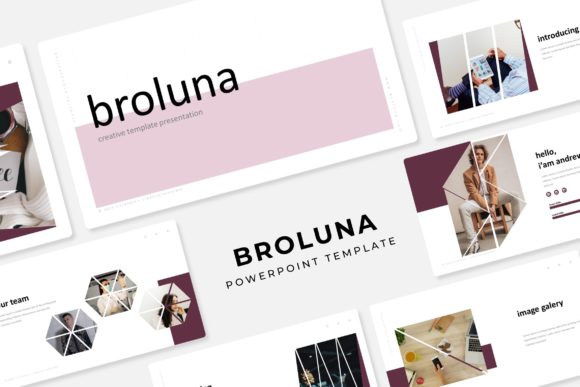
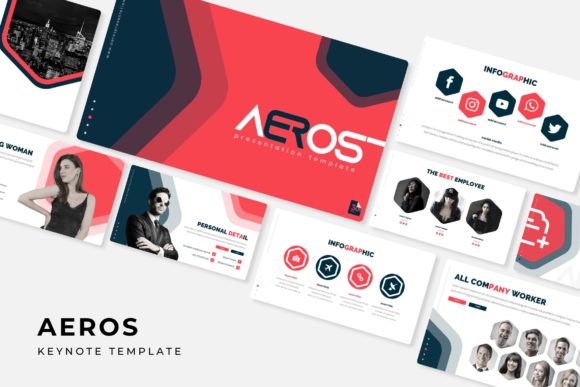
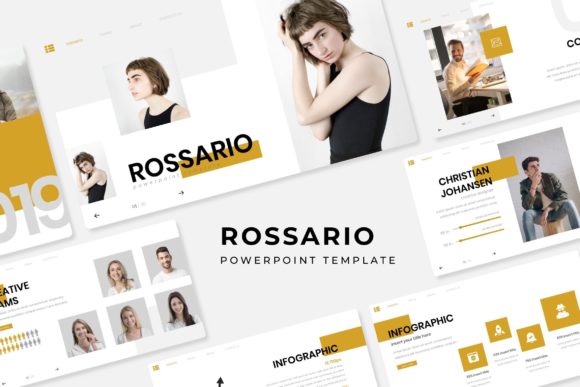
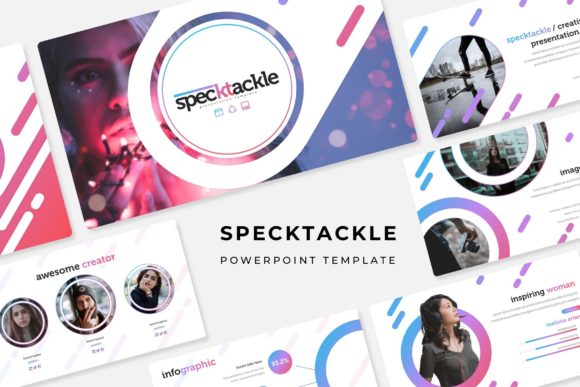
- Image Usage: Note that the photographs or pictures used in the preview are not included in the template. You will need to provide your own images, which can be easily added to the placeholders.
- Software Compatibility: Ensure that you have the latest version of Microsoft PowerPoint to take full advantage of the template's features.
By considering these points, you can make the most of the Facemate Power Point Template and create presentations that stand out and achieve your goals.